Evidence-led buyer's guide
Best AI tools for small business. Pick by job, not hype.
Start with one AI assistant that fits the software you already use, and add one specialist only for a measured bottleneck. A tool that can use your documents, records, and permissions often beats a longer feature list.
- 10 toolsCredible starting points, grouped by the job each does
- 4 stacksMinimum starting stacks: solo service, local team, store, software
- No rankingsBuilt from official pages and terms, with no benchmarks or scores
Start with context
Which AI tools to try first, by the software you already use
A tool that can use the right documents, records, and permissions is often more useful than an isolated assistant with a longer feature list. These are evaluation starting points, not tested winners. Compared in depth: the company builders in this guide each have their own priced comparison on the comparison index.
Swipe to compare every column.
| Your starting point | Evaluate first | Why it belongs on the list | Check before buying |
|---|---|---|---|
| Google Workspace team | Google Workspace with GeminiOfficial product page | Gemini is documented across Gmail, Drive, Docs, Sheets, Meet, and other Workspace surfaces. | Plan, region, language, and feature availability. |
| Microsoft 365 team | Microsoft 365 CopilotOfficial product page | Microsoft documents Copilot inside Word, Excel, PowerPoint, Outlook, and Teams. | License requirements and whether Teams is included. |
| Mixed software stack | ChatGPT Business or Claude for Small Business | Both vendors document business workspaces and connections to other work tools. | Exact connectors, retention, administrative controls, and regional availability. |
| A known operational bottleneck | Choose the system that owns that work | HubSpot, QuickBooks, Shopify, Canva, Notion, and Zapier each begin from a different business context. | Whether the tool only drafts or can change records and take external action. |
One job, one owner, one review gate
Before a trial, write down the repeated job, the current delay or cost, the data the tool needs, and the person who approves the result. That makes a trial falsifiable and discourages a stack of overlapping subscriptions.
Compare by job
The 10 best AI tools for small business, grouped by job
“Best” here means a sensible tool to evaluate for a defined job. It does not mean that we measured output quality, return on investment, or reliability. Rows move from general assistants to specialist systems; they are not ranked by score.
Swipe to compare every column.
| Tool | Best-fit job | What current official sources document | Evidence limit |
|---|---|---|---|
| ChatGPT Business | General research, writing, analysis, and shared agents | A dedicated workspace, connectors, administration, SAML SSO, MFA, and no training on business data by default. | Connector and plan behavior still needs workflow testing. |
| Claude for Small Business | Cross-app business work with explicit approvals | Anthropic's May 2026 announcement lists finance, CRM, design, document, and productivity connections. | Launch article, not independent proof; check availability and exact action controls. |
| Google Workspace with Gemini | Work grounded in an existing productivity suite | Google documents Gemini across Gmail, Docs, Sheets, Meet, and other Workspace products. | Confirm regional availability, admin controls, and licensing. |
| Microsoft 365 Copilot | Work grounded in a Microsoft 365 tenant | Microsoft documents Copilot across Word, Excel, PowerPoint, Outlook, Teams, and business chat. | Confirm tenant permissions, seat requirements, and licensing. |
| Canva Business | Brand and marketing asset creation | Brand management, templates, team controls, integrations, and AI-assisted creative features. | Some newer AI capabilities are preview features. |
| HubSpot Agent Hub | Marketing, sales, and service grounded in CRM records | Agents for marketing, sales, service, and data, plus agent visibility inside the CRM platform. | Credits and access are plan dependent. |
| Zapier AI | Cross-app workflow orchestration. Priced against Make, n8n and others in Gumloop alternatives | AI workflows, agents, chatbots, rules, and connected app actions. | Integration actions and limits change frequently. |
| QuickBooks with Intuit Intelligence | Accounting-context search, analysis, and automation | QuickBooks documents business-context chat, file analysis, custom automation, search, and reports. | It does not replace an accountant or tax adviser. |
| Shopify Sidekick | Ecommerce administration | Store-context assistance for products, orders, analysis, content, and proposed administrative changes. | Store plan and feature restrictions apply. |
| Notion AI | Knowledge search, meetings, documents, and workflows. Priced against ClickUp, Airtable and others in Taskade alternatives | Workspace and connected-source search, meeting notes, documents, databases, and agents. | Retention and feature availability differ by plan. |
Swipe to compare every column.
| Tool type | Research and writing | System of record | External actions | Primary role |
|---|---|---|---|---|
| General assistants | Core capability | Partial through connectors | Varies by connector and approval | Think, draft, analyze, coordinate |
| HubSpot, QuickBooks, Shopify | Supporting capability | Core within their domain | Documented, with product-specific controls | Operate a defined business record system |
| Canva and Notion | Core within content or knowledge | Core for brand assets or workspace knowledge | Limited or feature dependent | Create, organize, and reuse business material |
| Zapier | Supporting capability | Connects other systems | Core capability | Move work between tools |
| Company-building platforms | Documented by some vendors | Platform dependent | Platform and approval dependent | Coordinate several company-building jobs |
What the sources actually show
What each tool’s own pages document
These screenshots document what a source said when captured. They do not establish output quality, reliability, adoption, or return on investment. Open each source to inspect the current version.
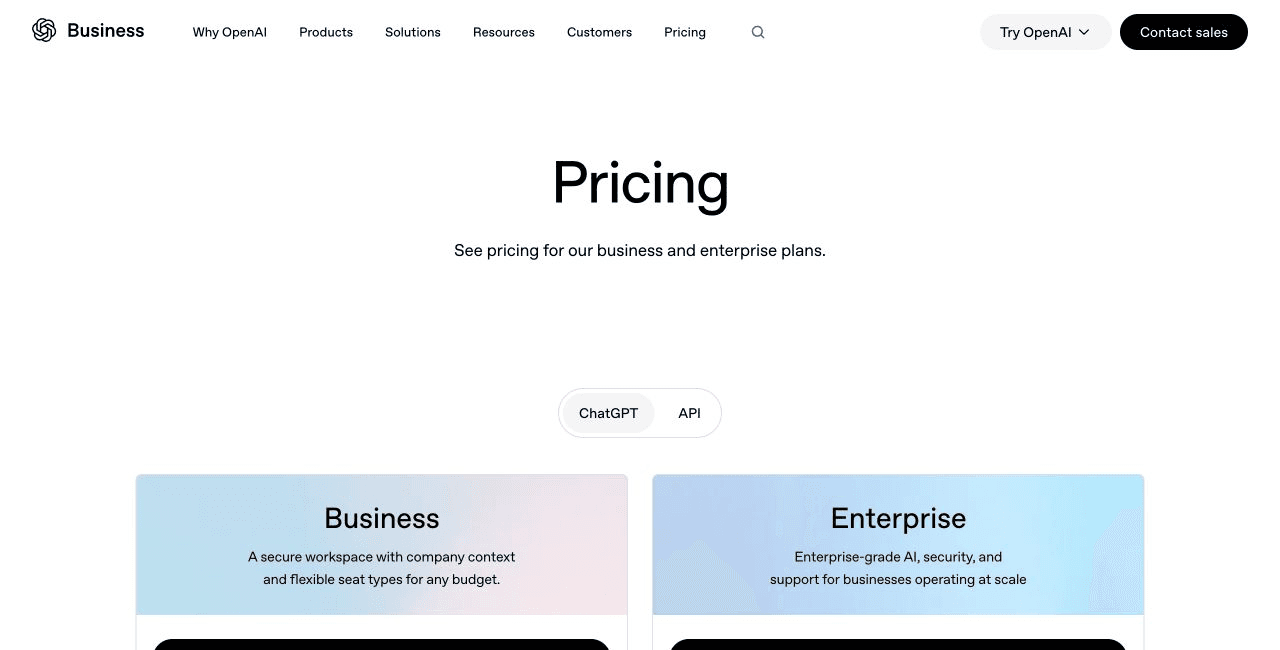
OpenAI's business page documents a dedicated workspace, connectors, and administrative controls. Plan details remain time sensitive.
OpenAI: Business pricingofficial product, checked September 3, 2026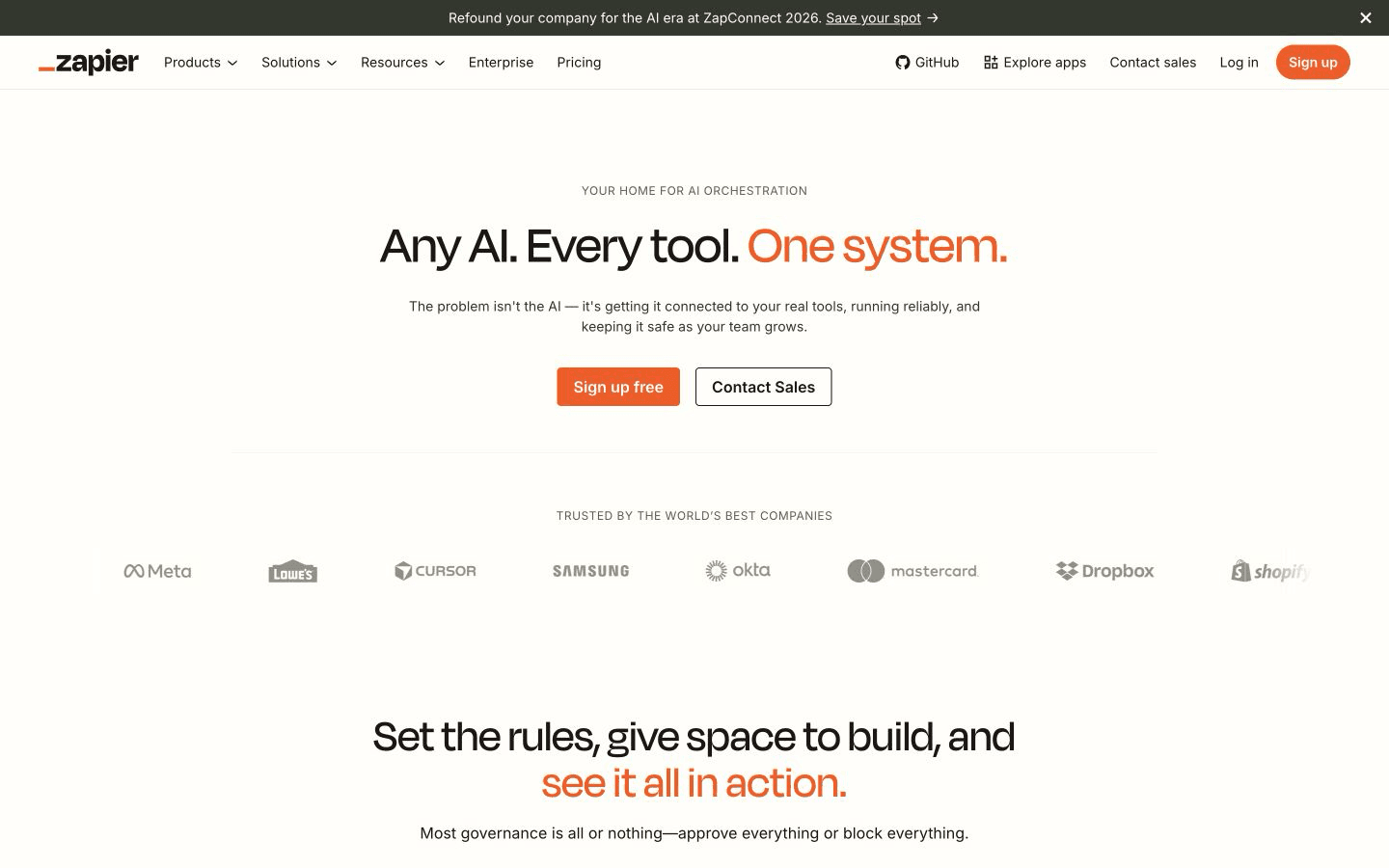
Zapier presents AI as an orchestration layer across connected tools. This is vendor documentation. Nobody measured the automation result.
Zapier: Zapier AIofficial product, checked September 2, 2026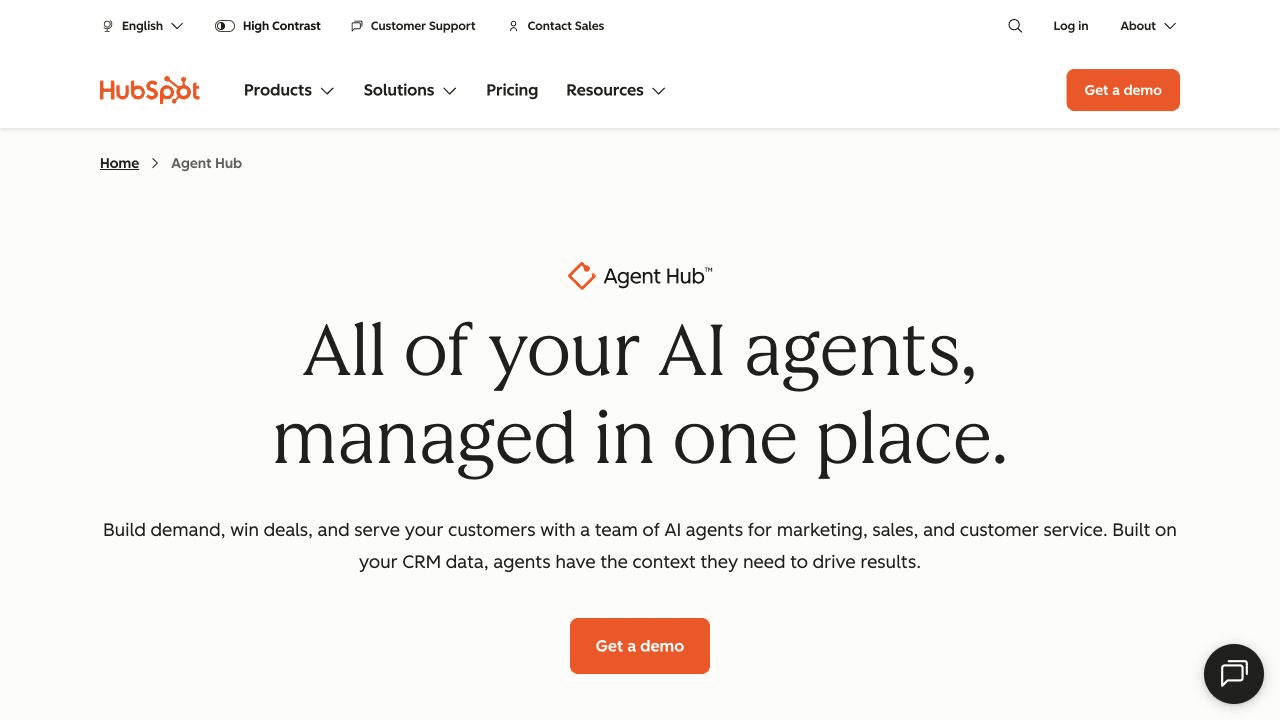
HubSpot groups marketing, sales, service, and data agents around its CRM context. Credits and access require a live plan check.
HubSpot: Agent Hubofficial product, checked September 3, 2026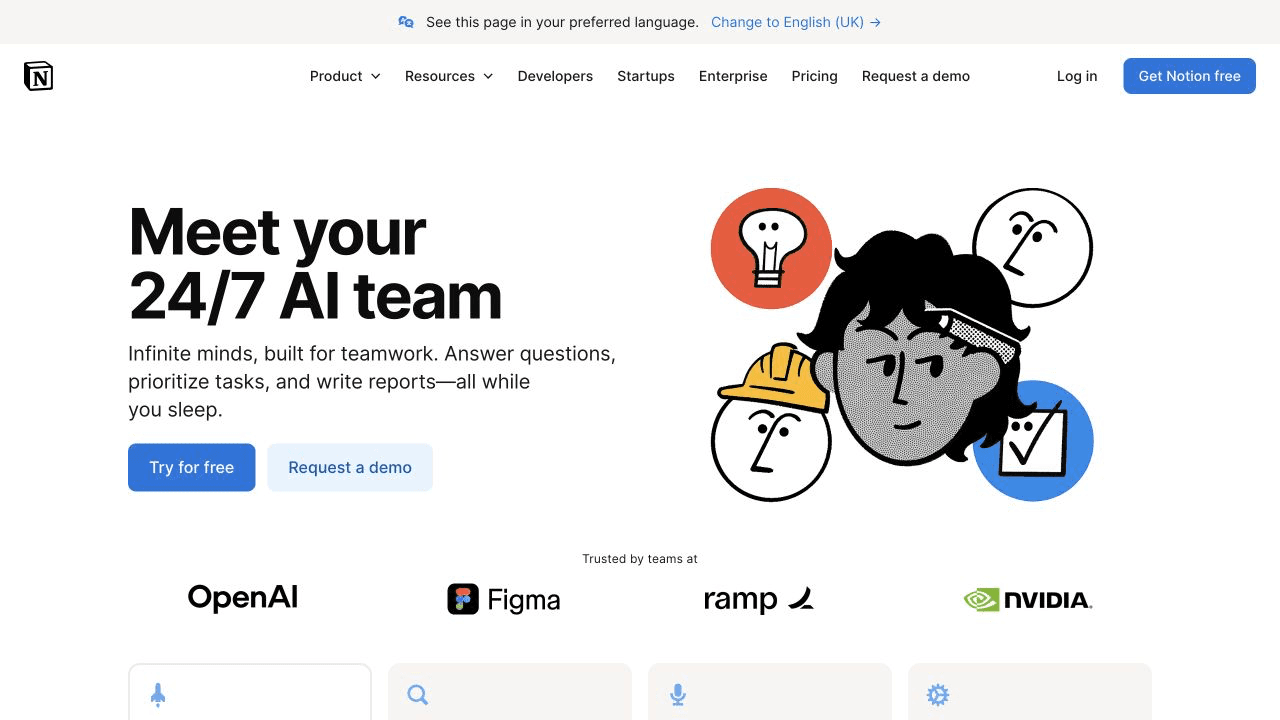
Notion documents agents, search, and meeting notes inside its workspace. The capture does not test retrieval accuracy.
Notion: Notion AIofficial product, checked September 3, 2026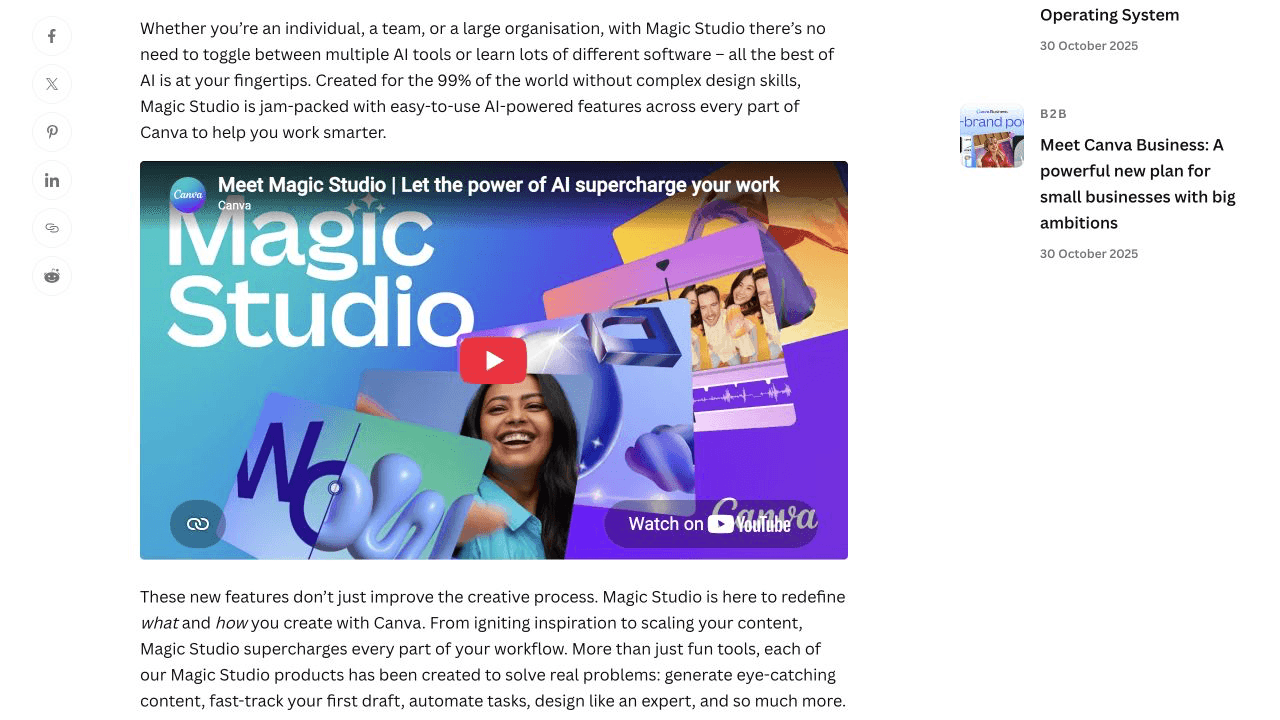
Canva's newsroom describes its AI creative suite. Product announcements are vendor-stated and should be paired with current feature and terms pages.
Canva Newsroom: Introducing Magic Studioarticle, checked September 3, 2026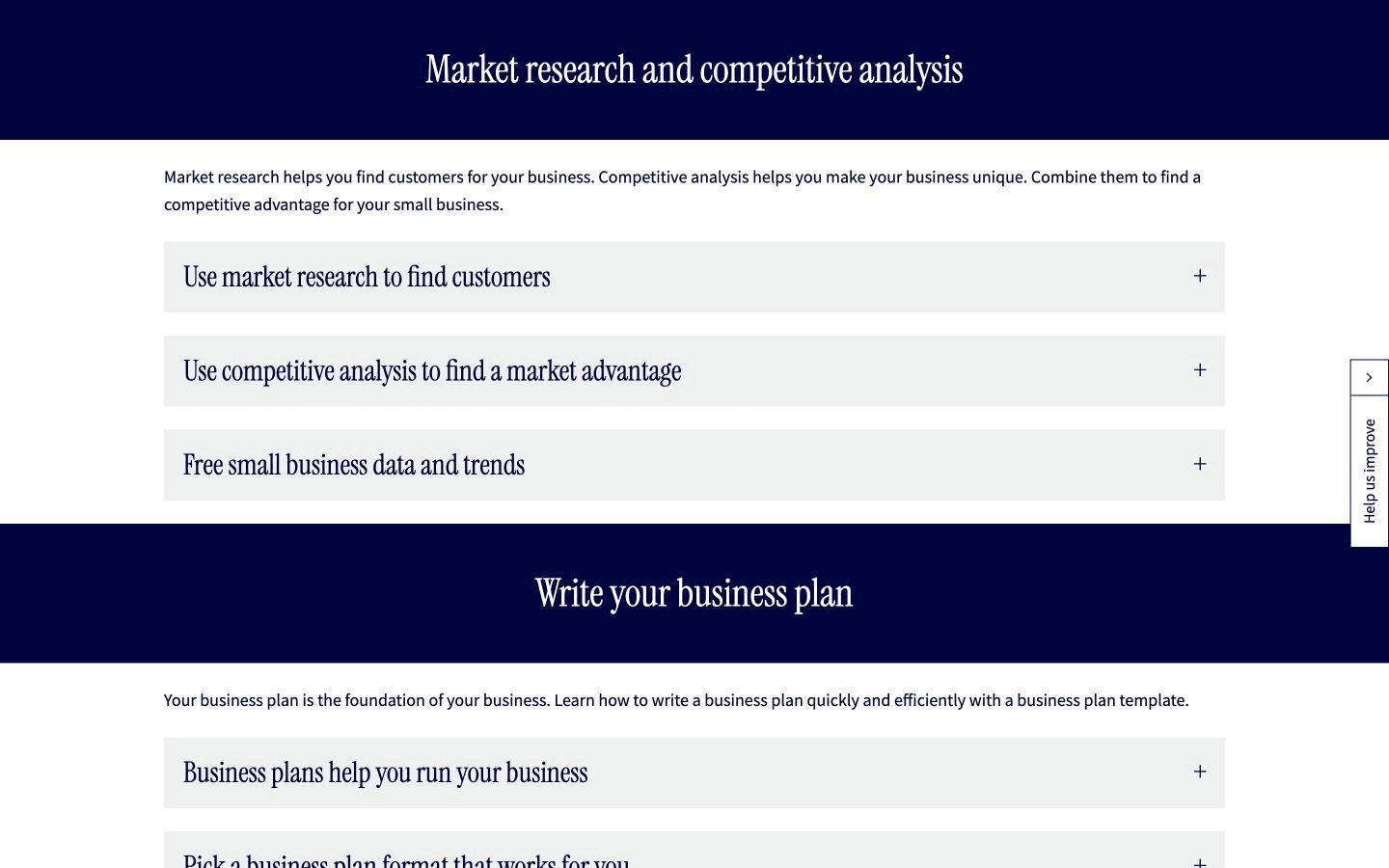
The SBA guide keeps market research and business planning ahead of tool selection. This is guidance. We endorse no product here.
U.S. Small Business Administration: Plan your businessarticle, checked September 2, 2026Control before convenience
Data, approvals and control: what to check before you buy
Marketing pages emphasize capability. A buying decision also needs current answers about training, retention, permissions, approvals, and export.
Swipe to compare every column.
| Tool | Publicly documented protection | Action boundary to verify | Source |
|---|---|---|---|
| ChatGPT Business | No training on business data by default; workspace controls | Connector permissions, retention, and agent actions | OpenAI business data privacy |
| Claude commercial products | Anthropic says commercial data is not used for training by default, subject to documented exceptions and opt-ins | Connector scopes and approval for consequential actions | Anthropic privacy help |
| Google Workspace with Gemini | Google says organizational content is not used for advertising or Gemini model training outside the domain without permission | Workspace permission inheritance and administrator settings | Google Workspace AI |
| Microsoft 365 Copilot | Microsoft documents enterprise data protection and says prompts and responses do not train its foundation models | Tenant permissions, plugins, connectors, and action scopes | Microsoft 365 Copilot |
| Every specialist tool | Not established until its current policy is reviewed | Publishing, sending, record changes, payments, refunds, and deletion should be evaluated separately | Use the current help, privacy, and terms pages |
The NIST AI Risk Management Framework offers a useful voluntary pattern: govern the use, map the context, measure the risk, and manage it. Use it as a governance aid. No company or tool named here is certified.
Buy less
Four AI starter stacks for small businesses
These patterns keep one source of truth for the business and add automation only after a repeated workflow is understood.
Swipe to compare every column.
| Business type | Minimum starting stack | Add only when justified | Avoid duplicating |
|---|---|---|---|
| Solo service business | One general assistant plus the existing calendar and invoicing system | CRM when leads no longer fit a simple, reliable process | Multiple writing assistants and separate meeting-note tools |
| Local team | Suite-native assistant plus the customer record system | Automation for confirmed handoffs and reminders | Parallel customer lists with different permissions |
| Ecommerce store | Shopify with Sidekick plus one approved creative workflow | CRM or automation when store-native tools leave a measured gap | Separate tools that rewrite the same product and order records |
| Software or digital product | General assistant plus product, support, and finance sources of truth | Company builder or automation after the launch workflow is explicit | Agents with overlapping permissions to deploy or contact customers |
Method and limits
How we compared these AI tools
Good documentation can establish that a feature, policy, or control is publicly described. It cannot establish how well a product performs in your data, process, or region.
Swipe to compare every column.
| Evidence | What it supports | What it cannot prove |
|---|---|---|
| Official product pages | Current vendor positioning and described capabilities | Accuracy, reliability, return on investment, or support quality |
| Help, privacy, and policy pages | Documented controls, limitations, and data practices | Configuration in a specific account or future policy stability |
| Government and standards guidance | Planning, risk, and governance context | A product endorsement or legal advice for every jurisdiction |
| Not performed | None | Hands-on benchmarks, output scoring, security testing, support testing, migration testing, and cost-benefit measurement |
Questions before checkout
AI tools for small business FAQ
What is the best AI tool for a small business?
There is no universal winner. Start with one general assistant that fits the software your team already uses, then add one specialist tool for a measured bottleneck such as CRM, bookkeeping, ecommerce, design, or automation.
Should I choose ChatGPT, Claude, Gemini, or Copilot?
Choose by context rather than model reputation. Gemini is easiest to evaluate for a Google Workspace team, Copilot for a Microsoft 365 team, and ChatGPT Business or Claude for Small Business when you need a broader assistant workspace and connector set. Confirm current plan and regional availability before buying.
Which AI tool should a small business buy first?
Buy only after naming one repeated job, its current cost or delay, the data involved, and the person who will review the output. A short trial on that real workflow is more useful than collecting overlapping assistants.
Can one AI tool run an entire small business?
No public documentation establishes that one tool can safely run every business function without oversight. Company-building platforms can span more jobs, but legal, financial, customer-facing, pricing, payment, and security decisions still need accountable human review.
How should a small business protect customer data when using AI?
Check the vendor policy for model training, retention, permissions, administrators, connectors, and deletion. Give each tool only the data needed for the job, use approved business accounts, and require review before an AI sends, publishes, pays, or changes records.
Are free AI tools safe for confidential business information?
Do not assume so. Consumer and business plans can have different controls. Read the current privacy and product terms, disable optional data sharing where available, and keep regulated, credential, payment, and sensitive customer data out until the company has approved the workflow.
Did doany test and rank every tool on this page?
No. This is a documentation-based comparison of current official product pages, help centers, terms, and public guidance. We did not create accounts, run benchmark workflows, measure accuracy, or assign numerical scores.
How current are the features and prices?
The page was reviewed on September 3, 2026. AI features, limits, previews, regions, and prices change frequently, so follow the cited official source and verify the current plan before making a purchase decision.
Source record
Sources and method
Every source below is an official product, help, policy or government page, read on September 2, 2026. The notes say what each one supports and where its claims are the vendor’s own.
- OpenAI: Business pricingofficial product, checked September 3, 2026
Useful for documented plan scope. Verify current limits and billing before purchase.
- Anthropic: Introducing Claude for small businessesofficial product, checked September 3, 2026
- Google Workspace: AI solutions for businessofficial product, checked September 3, 2026
- Microsoft: Microsoft 365 Copilot for businessofficial product, checked September 3, 2026
- Canva: Canva Business featuresofficial product, checked September 3, 2026
- Canva Newsroom: Introducing Magic Studioarticle, checked September 3, 2026
A vendor newsroom article. Treat feature descriptions as vendor-stated and check current availability.
- Zapier: Zapier AIofficial product, checked September 2, 2026
- HubSpot: Agent Hubofficial product, checked September 3, 2026
- Notion: Notion AIofficial product, checked September 3, 2026
- QuickBooks: Introducing Intuit Intelligence in QuickBooksofficial help, checked September 3, 2026
- Shopify Help Center: Shopify Sidekickofficial help, checked September 3, 2026
- U.S. Small Business Administration: Plan your businessarticle, checked September 2, 2026
Used for the recommendation to define and research the business problem before choosing tools.
- NIST: AI Risk Management Frameworkarticle, checked September 2, 2026
A voluntary risk-management reference, not product certification or legal advice.
- Google Search Central: Write high quality reviewsarticle, checked September 3, 2026
Put the evidence to work
Turn one business bottleneck into a controlled workflow
DoAny can help turn an idea into connected company work. Keep the decisions that affect customers, money, legal claims, and public promises under human review.