For web designers and agencies
Free web design invoice template
Bill a website project: the deliverables you agreed, extra work the client approved, pass-through costs such as the domain, and the deposit already paid. Print the blank PDF, or edit the filled example below.
- Free to use
- No account needed
Choose your template
Download a blank PDF to print, view the filled example, or edit the invoice online.
Also on A4 paper: blank · filled example
Your invoice
Check the customer details, tax and payment terms before you send it. This page does not send the invoice or record payments.
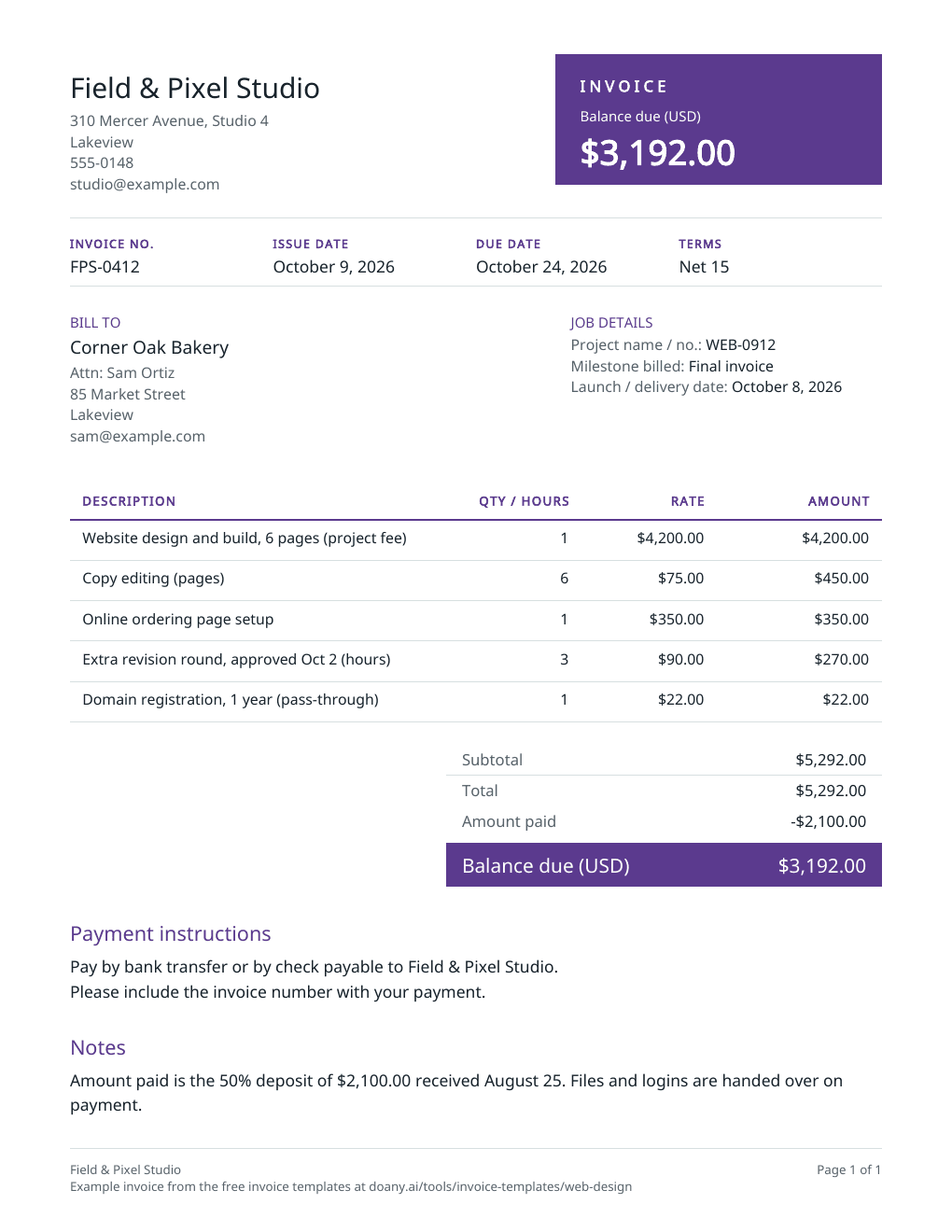
$3,192.00Balance due in USD, by October 24, 2026
- Total
- $5,292.00
- Amount paid
- $2,100.00
Your changes are kept on this device as you work.
Invoice details
Use your real business and customer details.
Your invoice is built in this browser and the latest one is kept on this device until you press Forget on this device. Download a copy to keep it.
What a web design invoice shows
- Project name or number
- In Job details, under Project name / no.
- Deliverables
- A line each, or the project fee on one line, the way your proposal priced them.
- Approved extra work
- Its own line with the approval date: hours at your rate, or a fixed price.
- Pass-through costs
- Domains, plugins or stock images on their own lines, at the price you agreed.
- Deposit or milestone payments
- In Amount already paid; the invoice shows what is left to pay.
- Launch date and handover
- The launch date in Job details, under Launch / delivery date; what waits on payment, such as the handover, in Notes.
Fill in the web design invoice
The example is the final invoice for a six-page bakery website: the project fee, copy editing, an ordering page, an approved extra revision round and the domain, less the 50% deposit.
Add your studio and the client
Enter your business details and the client’s billing contact. In Job details, add the project name or number, the milestone billed and the launch date. Put anything that waits on payment, such as handing over files, in Notes.
Bill the deliverables and approved extras
Price the deliverables the way your proposal did: one project fee, or a line each. Add extra work the client approved as its own line with the approval date, and pass-through costs such as the domain at the price you agreed.
Take off what the client has paid
Enter the deposit and any milestone payments you received in Amount already paid. The invoice shows the total, the payments and the balance due. Choose the terms, press Update invoice and download the PDF.
Fit the invoice to the project stage
Web projects are often billed in parts. Use the template once for each part.
Deposit before work starts
What to change
Bill the deposit as one line, such as “Deposit, 50% of project WEB-0912”, and leave Amount already paid blank.
Before you use it
The deposit should match the percentage or amount in your proposal.
Milestone invoice
What to change
Bill the milestone as one line, such as “Milestone 2: design approved”, at the amount your proposal set for it.
Before you use it
Name the milestone under Milestone billed the way your proposal does, so the client can match it.
Final invoice
What to change
List the whole project and the approved extras, and enter every payment received in Amount already paid, as in the example.
Before you use it
The balance due should be the project total plus approved extras, minus what the client has paid.
Check the web design invoice before you send it
- Every extra on the invoice was approved by the client.
- The payments in Amount already paid have been received.
- Pass-through costs match what you agreed to charge.
- Any tax rate is the one that applies where you and the client are; leave it blank if none applies.
- The project number matches the client’s records.
Asking for a deposit is not the same as receiving one
Amount already paid is for money you have received; it comes off the total. To ask for a deposit before work starts, bill the deposit itself as a line and leave Amount already paid blank. The final invoice then lists the whole project and takes that deposit off, as the example does.
Tax on web design
Whether website design is taxed depends on where you and the client are. The example has no tax. If a rate applies to the whole invoice, enter it in Tax rate, and the editor charges it on the subtotal after any discount.
Made in your browser
The editor builds the preview and the PDF in this browser. It keeps only your latest invoice, on this device, and does not email the invoice, take payments or mark anything as paid; a Pay online link prints as you paste it and goes to your own payment page. Download the PDF or text to keep a copy. An AI answer in the chat sends the invoice’s details with your question, but never your logo, your signature picture or your Pay online link.
Useful answers
What should a web design invoice include?
Your business details, the client and their billing contact, an invoice number and date, the project name or number, the deliverables and any approved extra work, pass-through costs, payments already received, the balance due and how to pay.
How do I invoice a 50% deposit for a website?
Before work starts, send an invoice with one line for the deposit, such as “Deposit, 50% of project WEB-0912”, and leave Amount already paid blank. On the final invoice, list the whole project and enter the deposit in Amount already paid.
How do I bill extra revisions?
Once the client agrees, add them as their own line, such as “Extra revision round, approved Oct 2 (hours)”, with the hours as the quantity and your rate as the unit price, or as a fixed price.
Should I bill the domain and hosting?
If you bought them for the client, bill them as pass-through lines at the price you agreed, and say what period they cover. If the client pays the provider directly, leave them off.
Can I print a blank web design invoice?
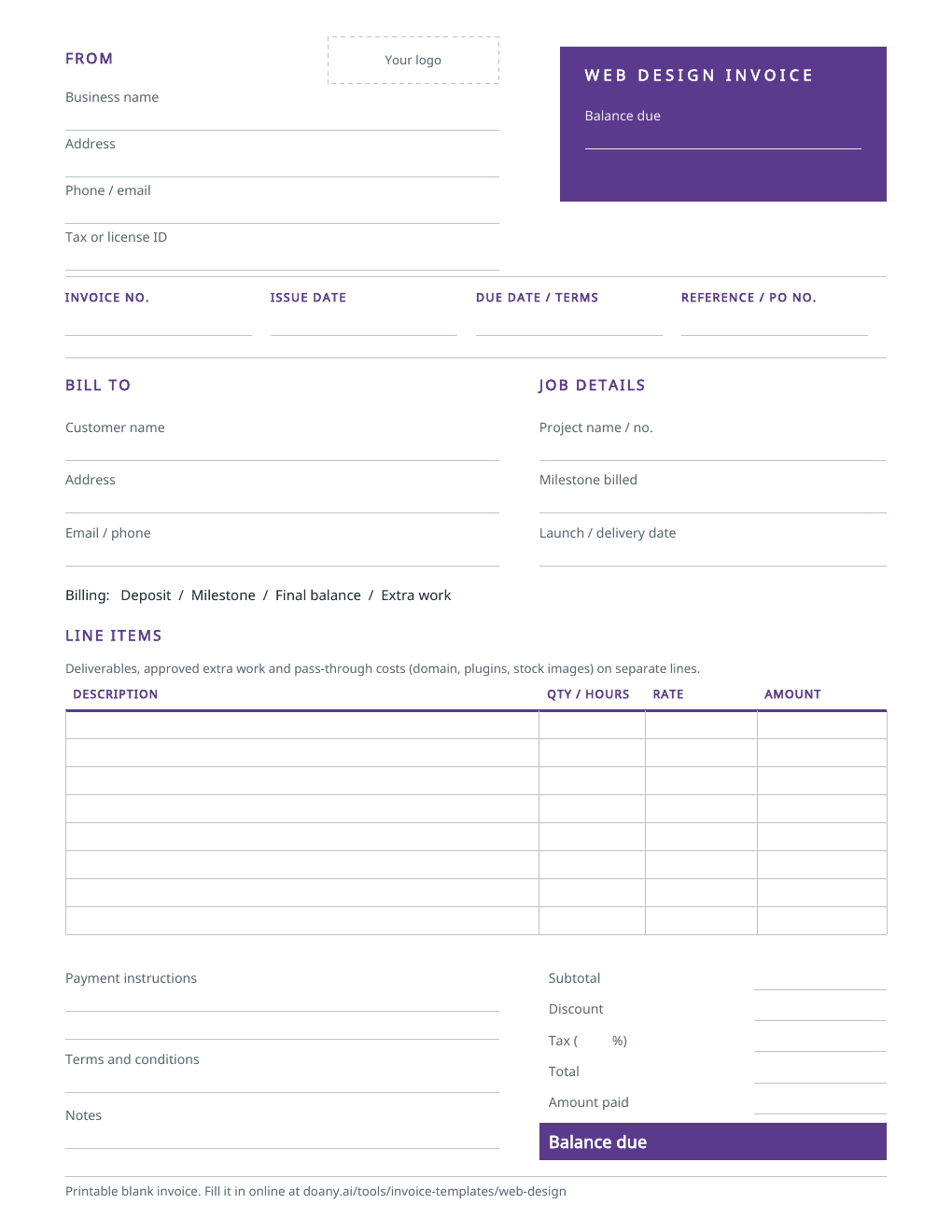
Yes. The blank PDF has spaces for the project, the milestone billed, deliverables, extra work, pass-through costs, payments received and the balance. It comes on US Letter and A4 paper. To fill it in on screen instead, edit the example on this page and download your own PDF.
Is this web design invoice template free?
Yes. Download the blank or filled PDF, or edit the example and download your own, with no account. The PDF is made in your browser.